A customer asks ChatGPT who can solve a problem you handle every day. If your business comes up, do they see what you actually offer and where to go next, or an old link and a description that could fit anyone? You can’t control the recommendation. You can make your own information more useful.
You do this in Business Hub, the place to claim and manage your listing. It’s separate from the ChatGPT Business workspace plan. You don’t need an Ads account or an Enterprise agreement to claim an eligible business.
01Find the right listing
Sign in to ChatGPT, open Business Hub from the sidebar, or go through OpenAI’s claim page. Search for your business and check that the website or location matches before you claim it. Use an account you’re authorized to manage. If nothing matches, eligible online businesses may see an option to add a profile. US local stores and restaurants can currently claim only an existing listing. Don’t claim a similar business or create a duplicate.
02Verify your connection, then complete identity review
Choose a method your listing offers: business phone, business email, website domain, or Shopify. If you choose domain verification, have the person who manages your DNS add the exact TXT record shown, then return to verify it. Once your claim is approved, open your profile under Business and complete identity verification with Persona when prompted. Use your legal business details as they appear on official records. You may need ID or proof that you can represent the business. If you’re using Persona to create a new profile, approval automatically publishes it, so check the information before you submit. See OpenAI’s verification and eligibility guide.
03Give a buyer a reason to take the next step
After both approvals, check your website link, category, logo, and description. Say what you sell, who it’s for, and where you serve them if location matters. Try this template: “You can get [specific product or service] for [specific need] in [market, if relevant]. Visit [page] to [next action].” Use your Google Business Profile as a reference if you already have one, but check everything against your current website before copying it. Update delivery and return details if you sell products. If your store is on Shopify, you can connect the existing catalog rather than maintaining a second feed. OpenAI reviews changes, so don’t expect updates to show immediately.
04Check whether visibility turns into action
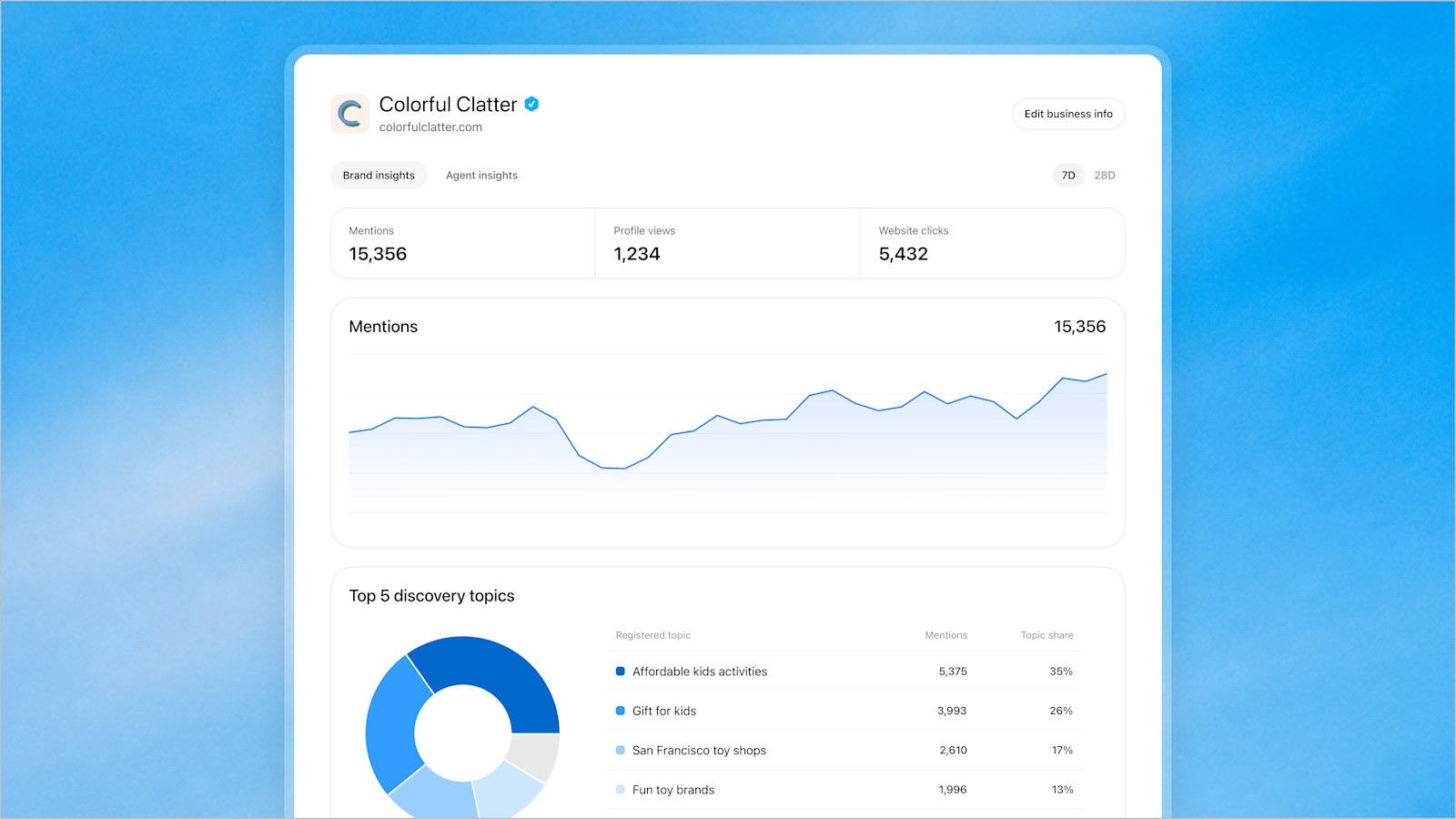
In your Business Hub profile, open Insights for available mentions and website clicks over the past 28 days. Start by pairing that baseline with the bookings, inquiries, or orders you can observe in your own analytics. You don’t get individual prompts in Business Hub, and a blank metric isn’t necessarily zero. If people click through but don’t take the next step, look at the landing page before you spend more trying to get mentioned. Claiming doesn’t guarantee placement or sales.
Do you need a Business Agent? No. If you run an eligible US ecommerce or online service business, you can separately preview and publish an agent. Test it on a question that could cost you a sale, such as whether a discounted item is returnable, and check its answer against your actual policy before it goes live.
You can start with one decision: when a buyer clicks through from ChatGPT, what page should they land on, and what should they be able to do there without hunting?
Before you enable another way for customers to contact you, decide who answers Google’s AI messages.