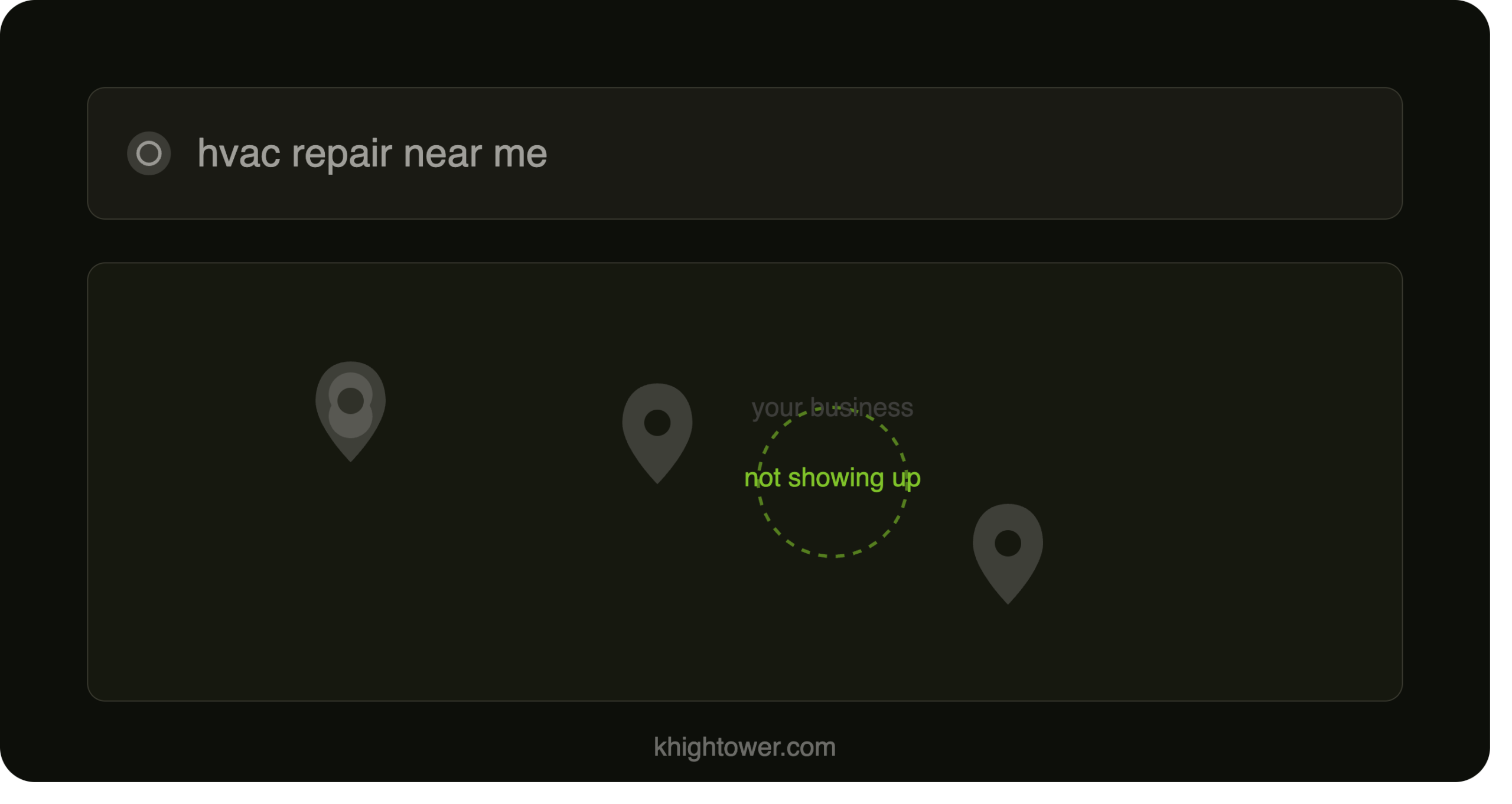
Is your Google Business Profile helping you get local business leads or Sending them to your competitor?
If your profile feels invisible, the problem is smaller — and more fixable — than you think.
If I had to guess, your Google Business Profile probably exists.
You set it up months — maybe years — ago, checked the box, and went back to running your business. That’s normal. You’re busy serving customers, managing your team, and putting out fires. Updating a Google profile isn’t exactly top of mind.
But here’s what I’ve found after auditing dozens of local businesses: the biggest mistake owners make is treating their Google Business Profile like a one-time setup instead of a living marketing asset.
If your profile isn’t showing up the way you expect, the problem is usually simpler than you think.
The Real Problem Usually Isn’t a Lead Problem
People are already searching for what you offer. The question is whether Google understands exactly what you do — and whether customers can actually reach you once they find you.
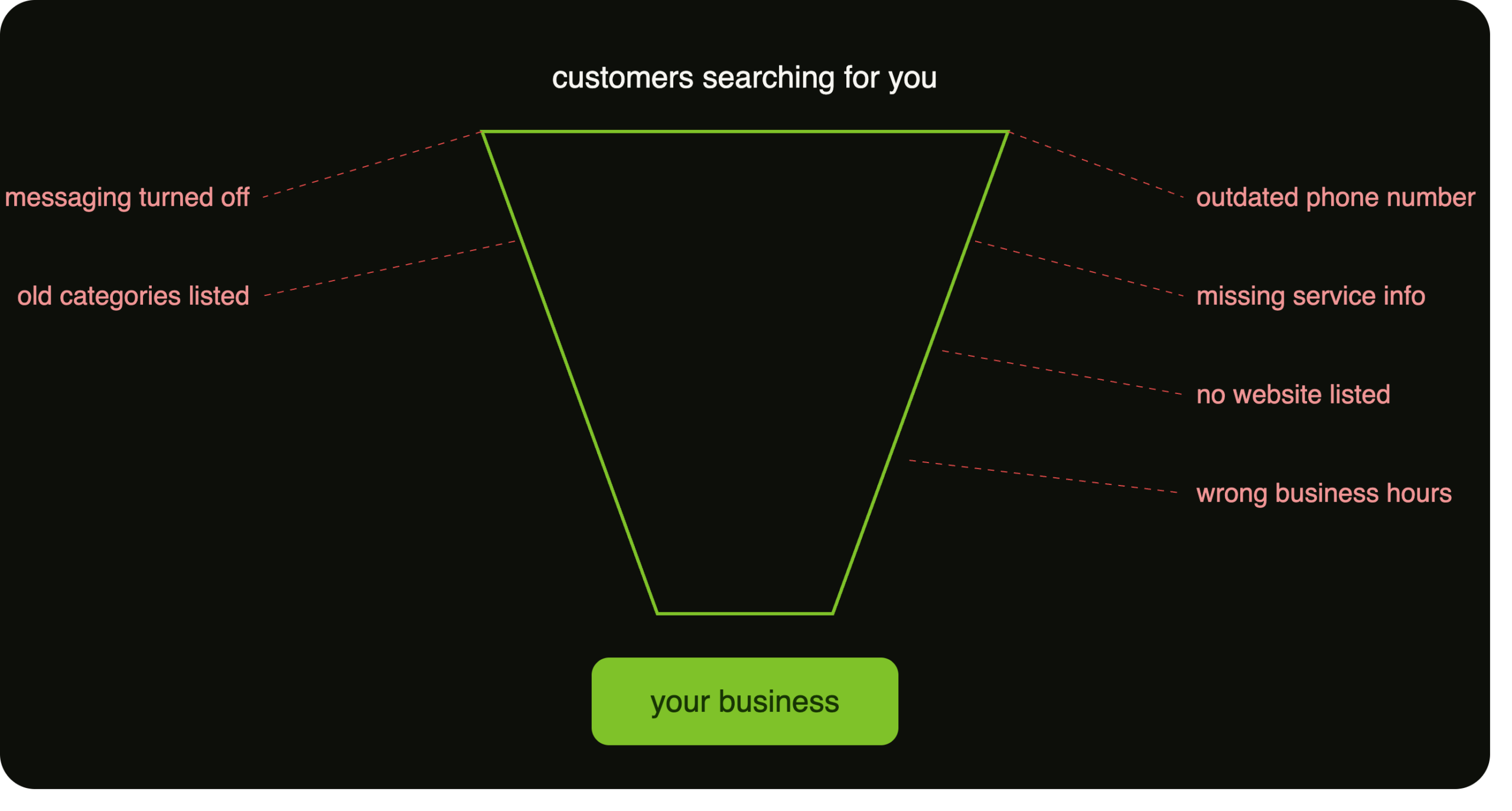
Most businesses don’t have a lead problem. They have a revenue leak problem. Common leaks look like:
- An outdated phone number
- Missing service descriptions
- No website listed
- Incorrect business hours
- No online booking or quote request option
- Messaging features turned off
- Old categories that no longer fit your business
The good news? Most of these can be fixed fast — once you know they’re there.
The “Set It and Forget It” Mindset Is Costing You Customers
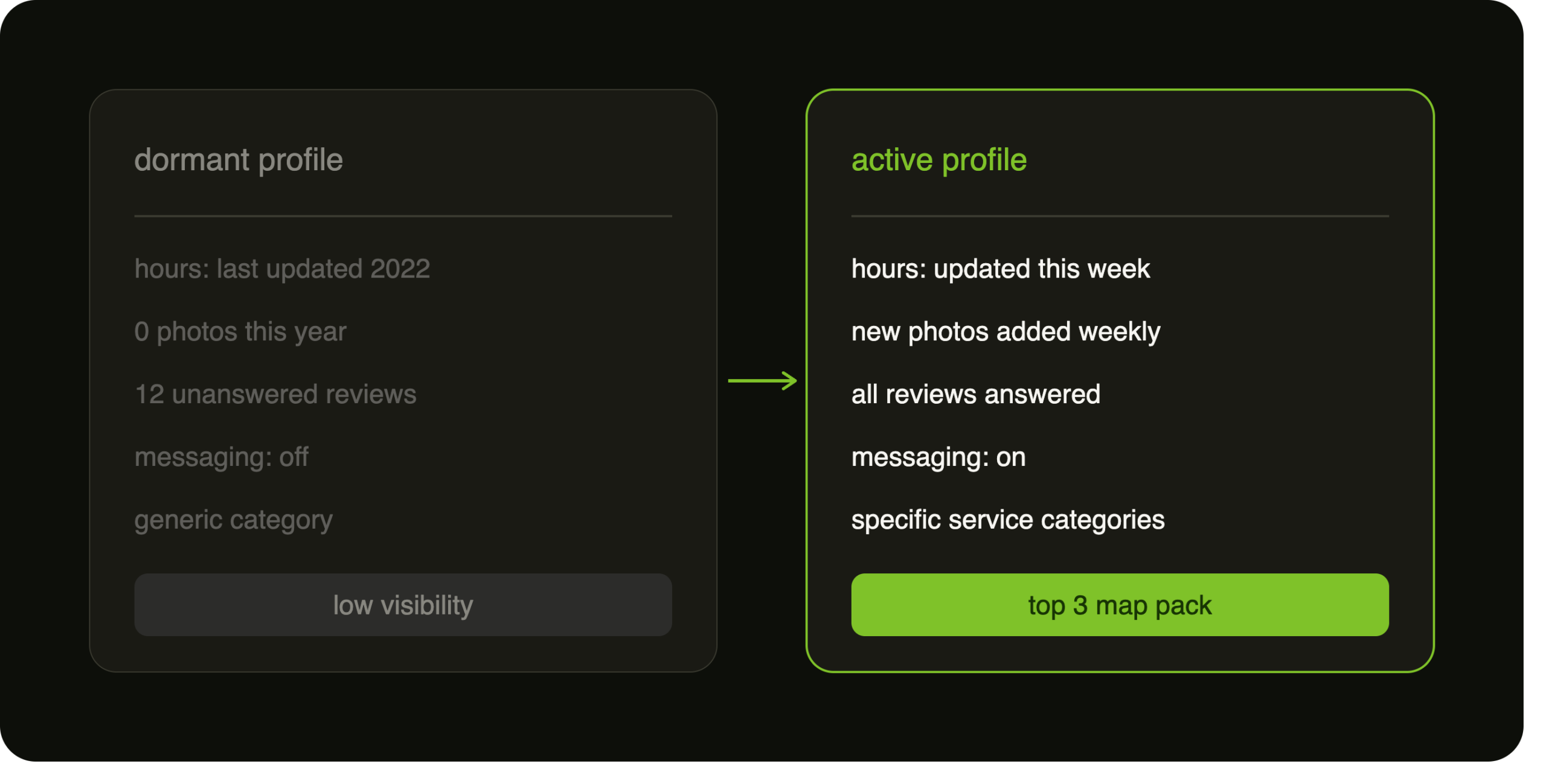
Google rewards businesses that stay active. That means regularly:
- Asking customers for reviews
- Replying to reviews
- Updating holiday hours
- Adding products and services
- Expanding service descriptions
- Uploading new photos
- Keeping up with new Google features
For example, Google now lets customers message businesses directly. If your competitors have that turned on and you don’t, you’re creating friction they aren’t.
The easier you make it to contact you, the more likely someone becomes a customer.
Your Service Descriptions Matter More Than You Think
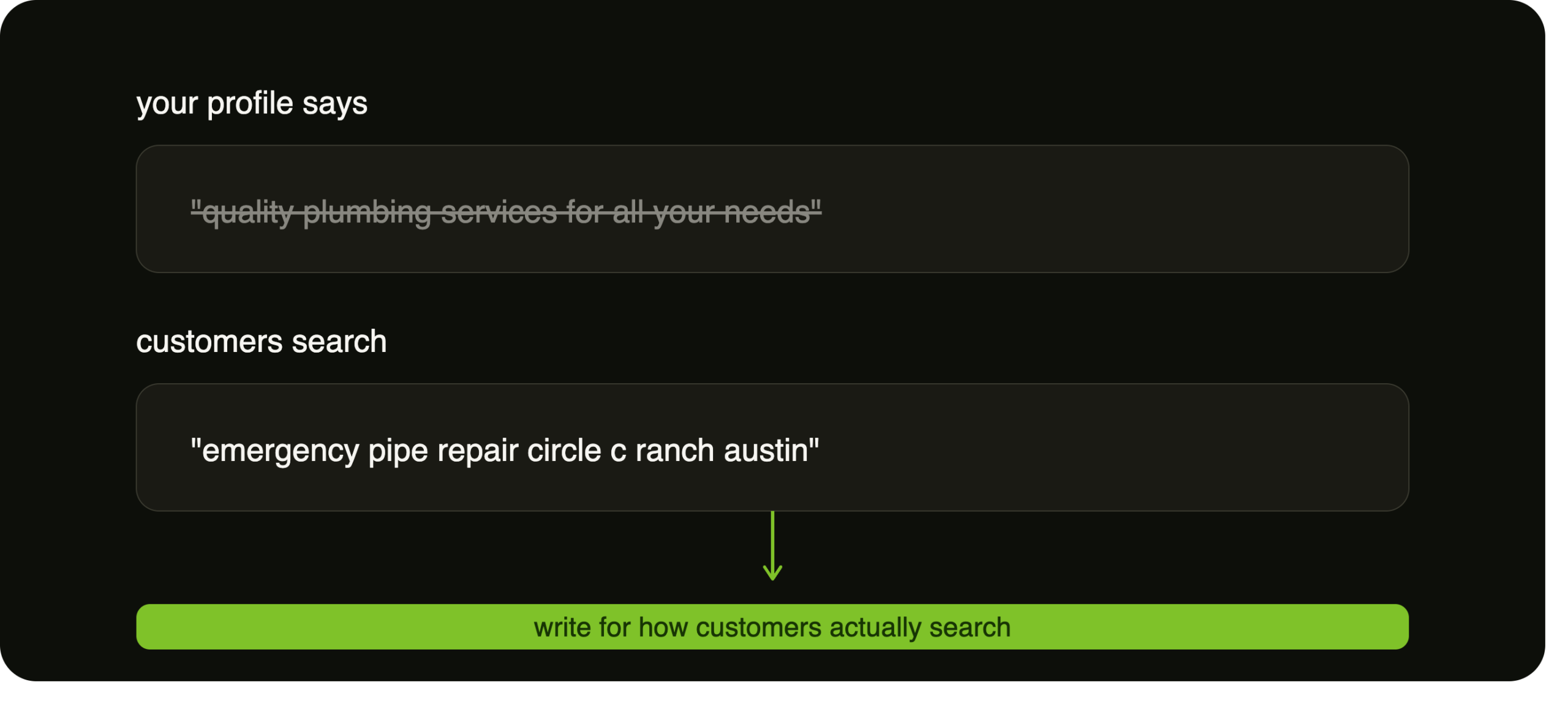
One of the easiest wins on your profile is rewriting your service descriptions. Most businesses write something generic and move on.
Instead, think about how people actually search.
If you’re a plumber serving specific neighborhoods, name those neighborhoods. If you’re a bakery known for specialty cakes, describe them. If you’re a logistics company running specific routes, say so.
Include:
- Service areas
- Cities and neighborhoods
- Types of services
- Product categories
- Pricing ranges (when appropriate)
- Unique specialties
Use the words your customers would actually type into Google. You’re not writing for yourself — you’re helping Google understand exactly what you do.
Make Sure Your Business Information Matches Everywhere
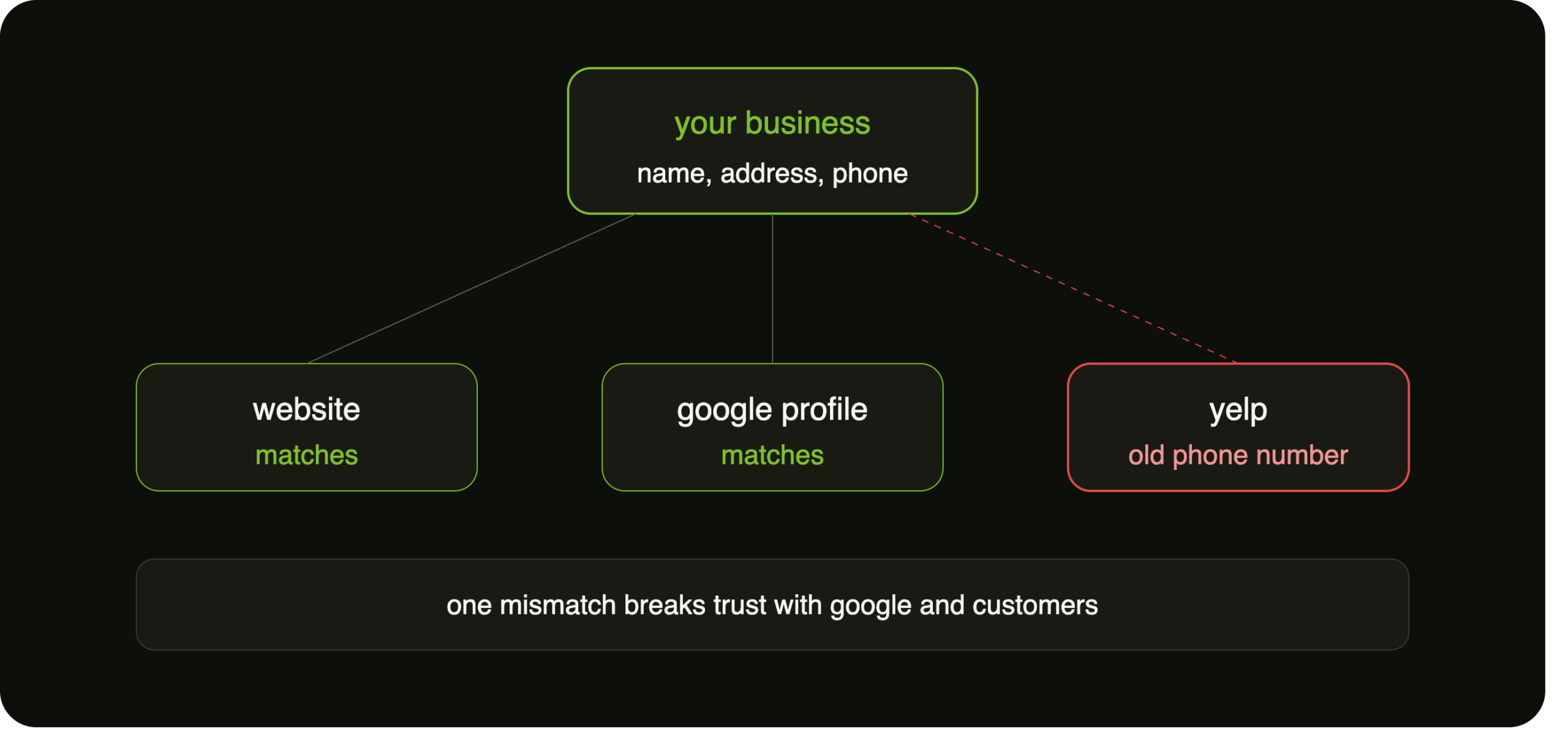
One of the most overlooked issues is consistency. Businesses change phone numbers, move offices, or update addresses — and forget to update everything else.
Your business name, address, phone number, and website should match across your website, your Google Business Profile, and every major directory.
This consistency builds trust with both search engines and customers.
Don’t Ignore Photos
Real, current photos matter. If you’re a service business, your techs should be photographing completed work. If you run a bakery, restaurant, mechanic shop, or retail store, encourage customers to share photos too.
Real images build trust with customers — and give Google more context about what you do and where you do it.
Reviews Are Becoming More Important in the Age of AI
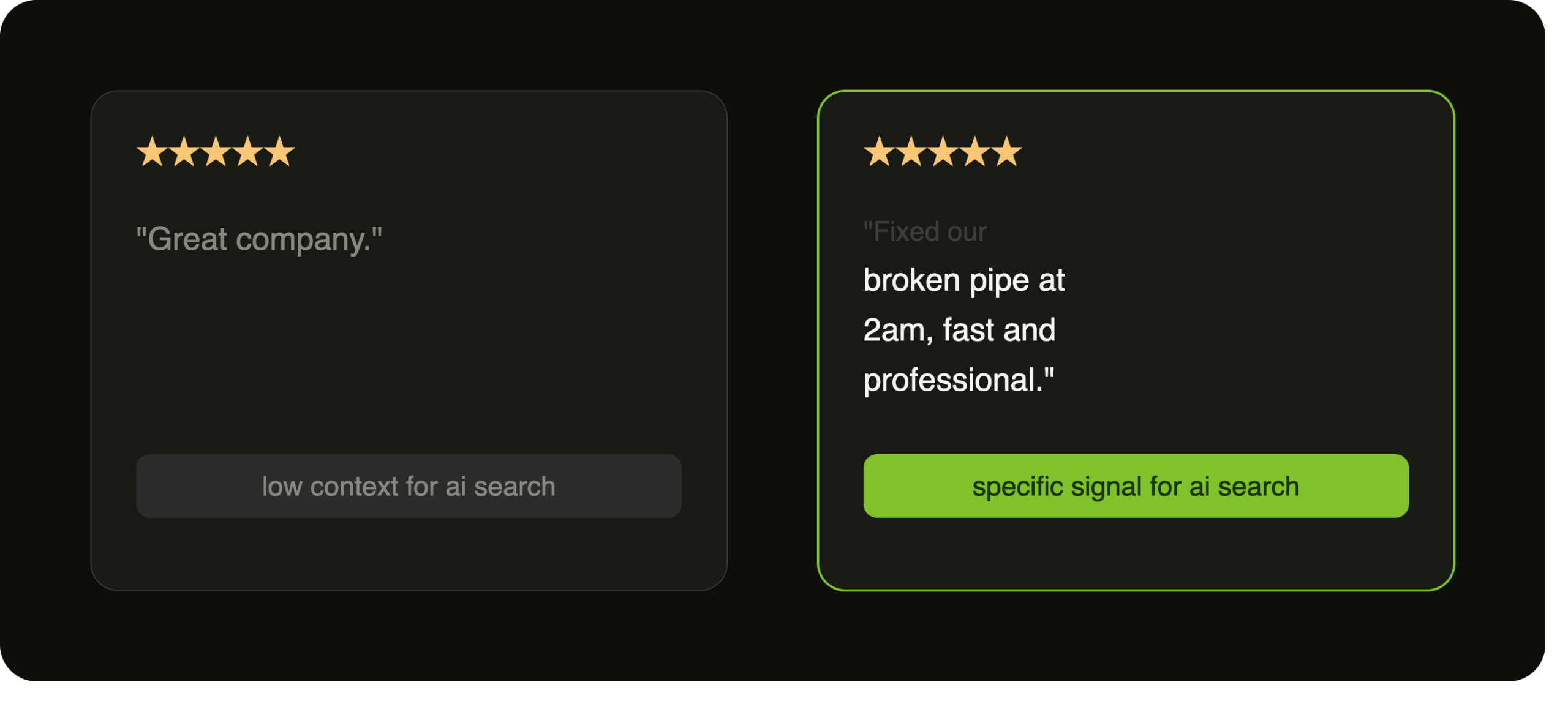
Don’t just ask for a five-star review. Ask customers to describe their experience.
Instead of:
“Great company.”
You want reviews like:
- “They fixed my broken pipe at 2 a.m.”
- “We ordered a custom birthday cake and it was exactly what we wanted.”
- “They hauled our freight from Austin to Dallas and made the entire process easy.”
AI search tools are getting better at reading context — services, locations, and sentiment. The more specific your reviews are, the more information Google and AI systems have to work with when deciding to show your business.
A Simple Website Can Make a Huge Difference
One of my favorite examples is a logistics company we worked with. They already had a Google Business Profile and a Yelp listing — but neither had been updated, and they had no website at all.
We built a simple five-page website with:
- An About Us page
- A quote request form
- SEO-focused service pages
- Consistent business information
- Direct links from the Google Business Profile
We also researched competitors to identify the most relevant categories and rewrote their Google Business Profile descriptions.
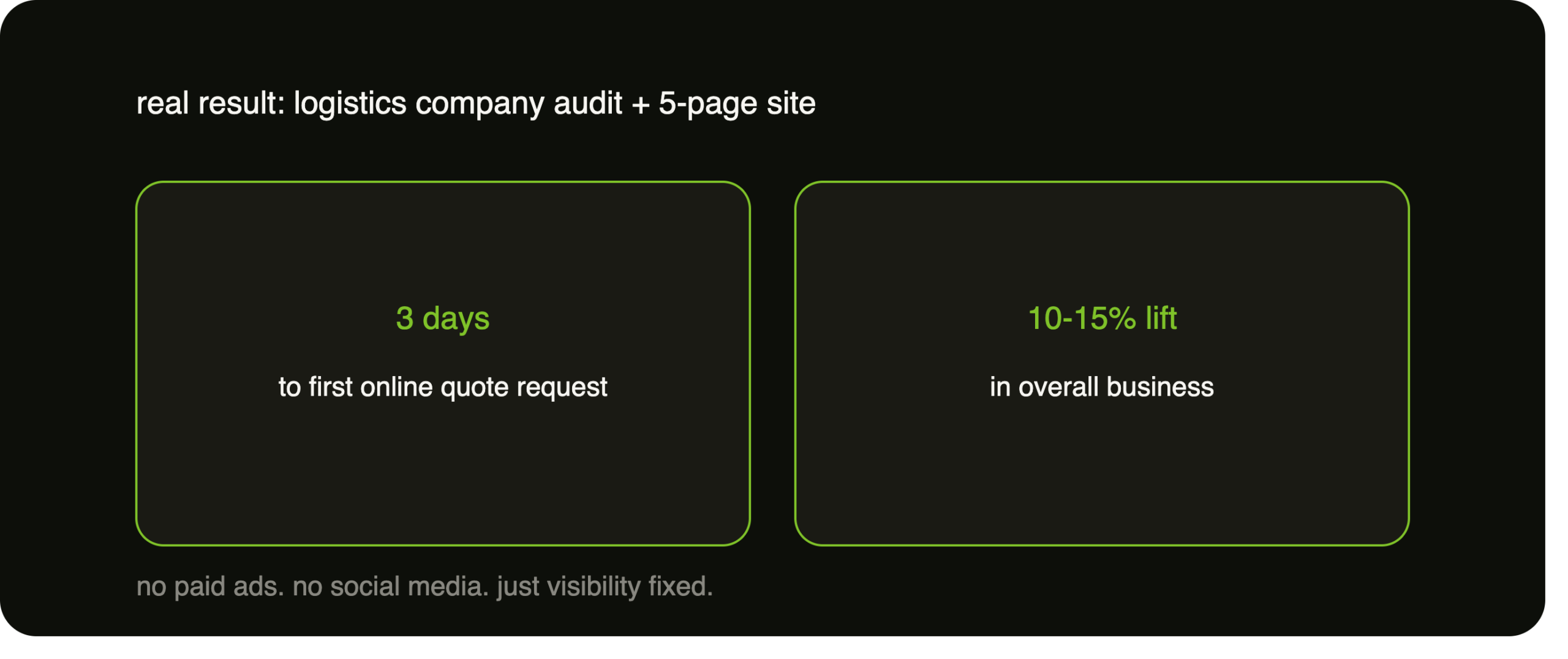
The biggest surprise wasn’t that it worked. It was how fast it worked.
You don’t always need paid ads. You don’t always need social media. You definitely don’t have to make dancing videos. Sometimes you just need to make it easier for Google to understand your business — and easier for customers to contact you.
Don’t Overcomplicate Your Marketing
Shiny object syndrome is real. It’s easy to think you need twenty marketing channels. The truth is simple systems outperform complicated strategies.
Businesses lose customers because:
- Their Call Now button doesn’t work on mobile
- Their messaging feature isn’t enabled
- Their website has no quote request form
- Their Google profile has outdated information
Small friction points create big revenue leaks.
The businesses that grow fastest aren’t always doing the most marketing — they’re removing the most friction.
Why Googling Yourself Doesn’t Tell the Whole Story
A lot of owners search for themselves and think everything looks great. The problem? Google personalizes results.
If you’re logged into your account, Google already knows who you are. Even logged out, your search history and location influence what you see.
That means your view of your rankings can be completely different from what a potential customer sees.
Where to Start
If you only take one thing from this article, let it be this: don’t set it and forget it. Log into your Google Business Profile and:
- Update your descriptions
- Add service areas
- Make sure your website is connected
- Verify your phone number
- Turn on messaging
- Use every feature Google gives you
- Stay active
Most of the time, you don’t need to rebuild your business. You just need to fix the leaks.
Find Your Revenue Leaks in 24 Hours
The KHightower Google Visibility & Revenue Leak Audit shows you exactly how your business appears online, how you compare to competitors, and where you’re losing revenue right now.
Get Your $47 Visibility AuditAlready Know What’s Broken?
If missed calls and slow follow-up are your real leak, the audit will confirm it — and the fix is our AI Voice Agent system, which answers, books, and routes leads 24/7 so you stop losing jobs after 5pm.